Download Z-BUDDY
You can download the latest version of Z-BUDDY here.
This software is for Windows OS only.
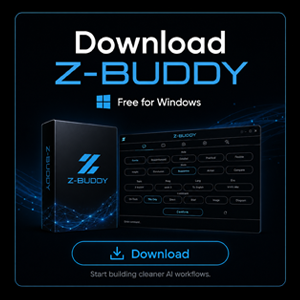
Z-BUDDY (stable version) Ver.1.0
Microsoft Windows 64-bit Installer
Z-BUDDY BRIDGE Ver.1.0
Microsoft Windows 64-bit Installer
System Requirements
Please check your PC's specifications before installing the software.
item | Minimum | Recommended |
OS | Windows 10 64-bit | Windows 11 64-bit |
Processor | Intel Core i3 / Ryzen 3 or equivalent | Intel Core i5 / Ryzen 5 or higher |
Memory | 8 GB RAM | 16 GB RAM |
Graphics | DirectX 11 compatible graphics | DirectX 12 compatible graphics |
Storage | 500MB available space | 1GB available space |
Display | 1366 × 768 or higher | 1920 × 1080 or higher |
Internet | Required | Stable broadband |
Install Guide
To install, you need to download the software.

Step 1/4
Download & Run the Setup File
Double-click the Z-BUDDY install file you downloaded.

Step 2/4
Proceed with Installation
Select the folder where you want to install Z-BUDDY, then start the installation.

Step 3/4
Install complete
Once the install is complete, close the window and click the Z-BUDDY icon on your desktop.
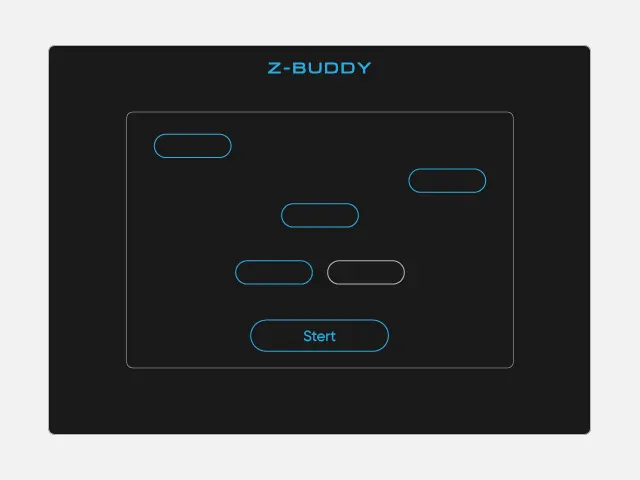
Step 4/4
Launch Z-BUDDY
Once the startup screen appears, follow the on-screen instructions.
Soft Download
You can download the latest version of Z-BUDDY here.
This software is for Windows OS only.
Z-BUDDY (stable version) Ver.1.0
Microsoft Windows 64-bit Installer
Z-BUDDY BRIDGE Ver.1.0
Microsoft Windows 64-bit Installer
System Requirements
Please check your PC's specifications before installing the software.
item | Minimum | Recommended |
OS | Windows 10 64-bit | Windows 11 64-bit |
Processor | Intel Core i3 / Ryzen 3 or equivalent | Intel Core i5 / Ryzen 5 or higher |
Memory | 8 GB RAM | 16 GB RAM |
Graphics | DirectX 11 compatible graphics | DirectX 12 compatible graphics |
Storage | 500MB available space | 1GB available space |
Display | 1366 × 768 or higher | 1920 × 1080 or higher |
Internet | Required | Stable broadband |
Install Guide
To install, you need to download the software.

Step 1/4
Download & Run the Setup File
Double-click the Z-BUDDY install file you downloaded.
Step 2/4
Proceed with Installation
Select the folder where you want to install Z-BUDDY, then start the installation.
Step 3/4
Install complete
Once the install is complete, close the window and click the Z-BUDDY icon on your desktop.
Step 4/4
Launch Z-BUDDY
Once the startup screen appears, follow the on-screen instructions.